Documentation
How to use Plutus, screen by screen.
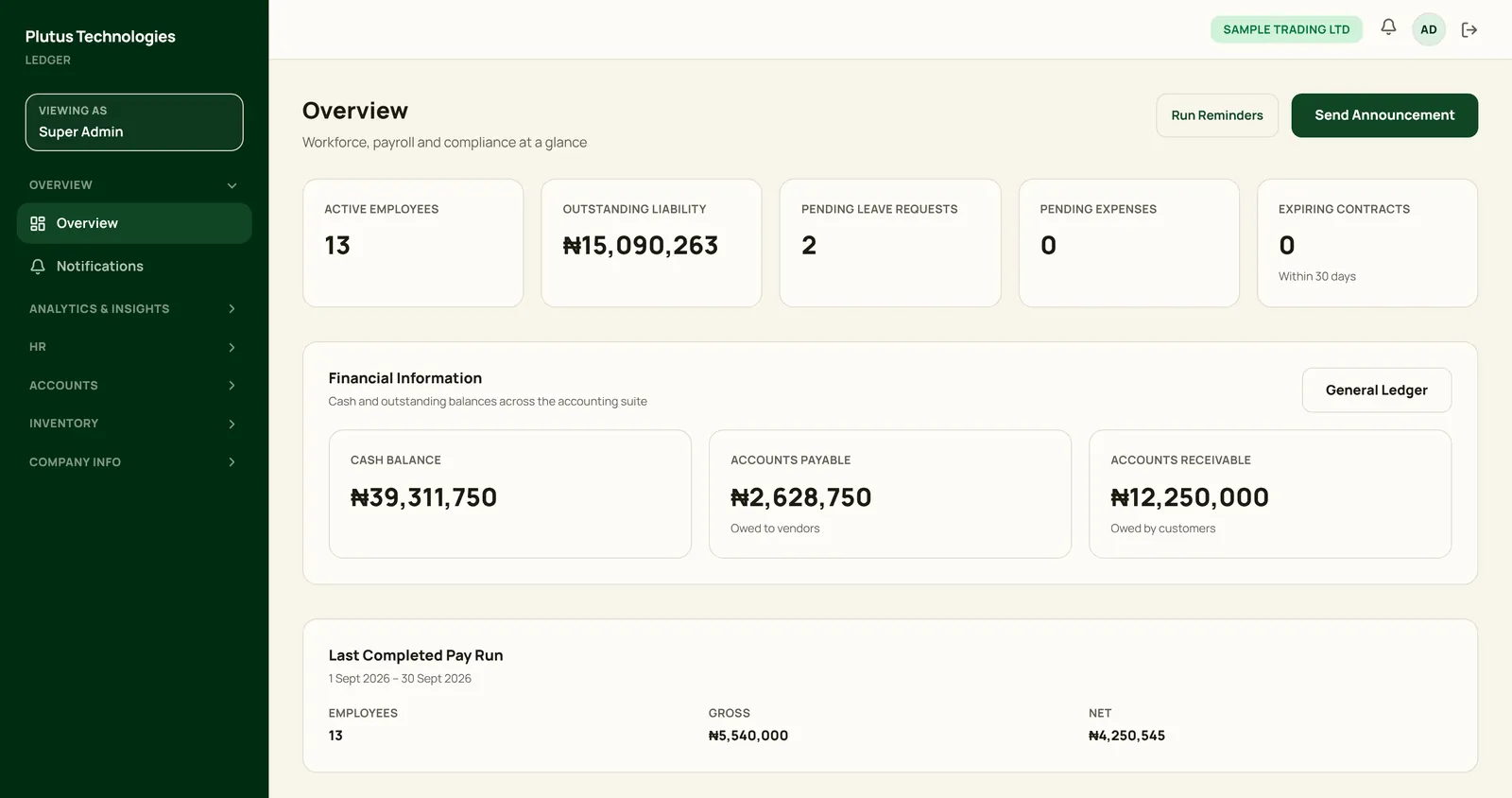
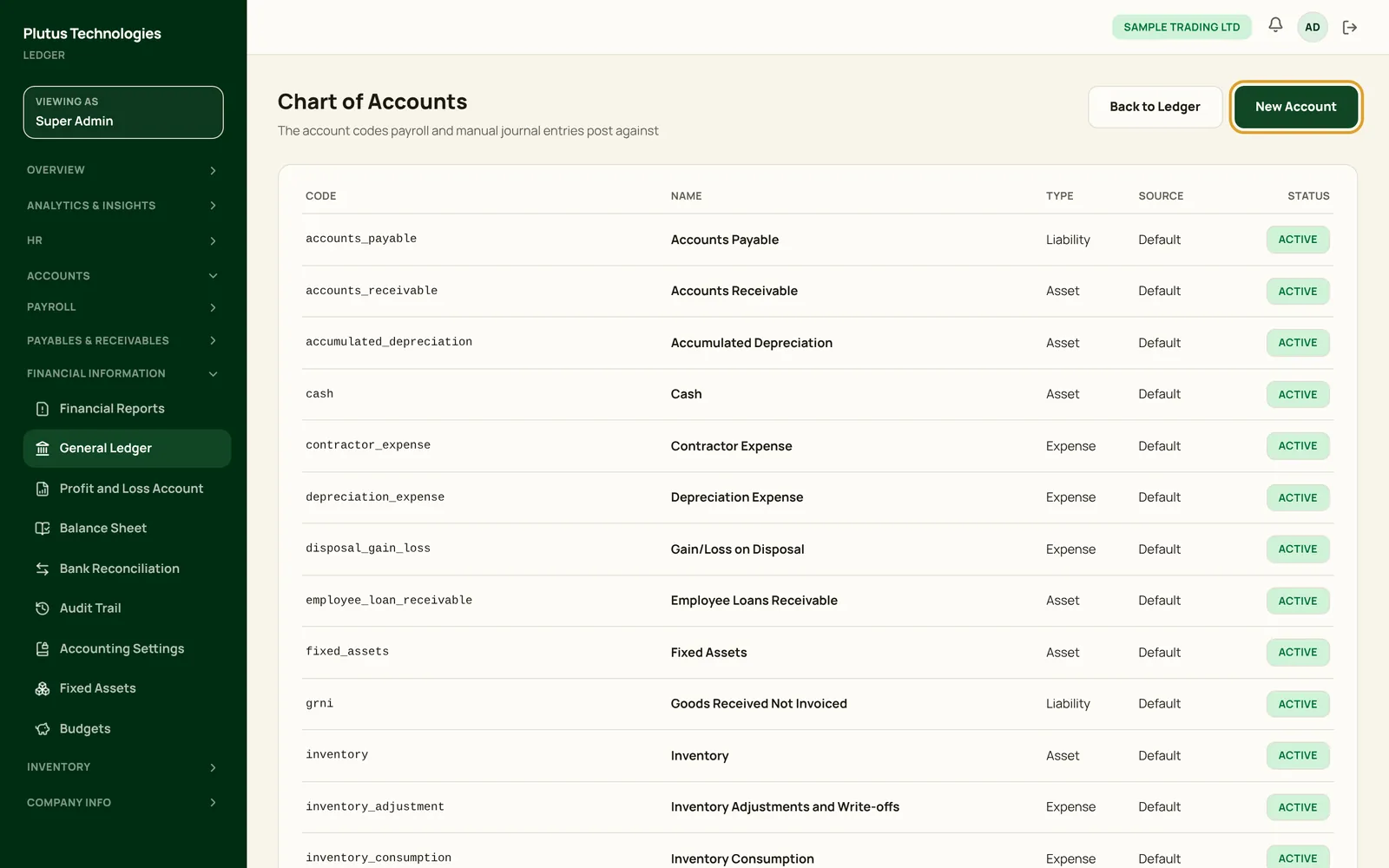
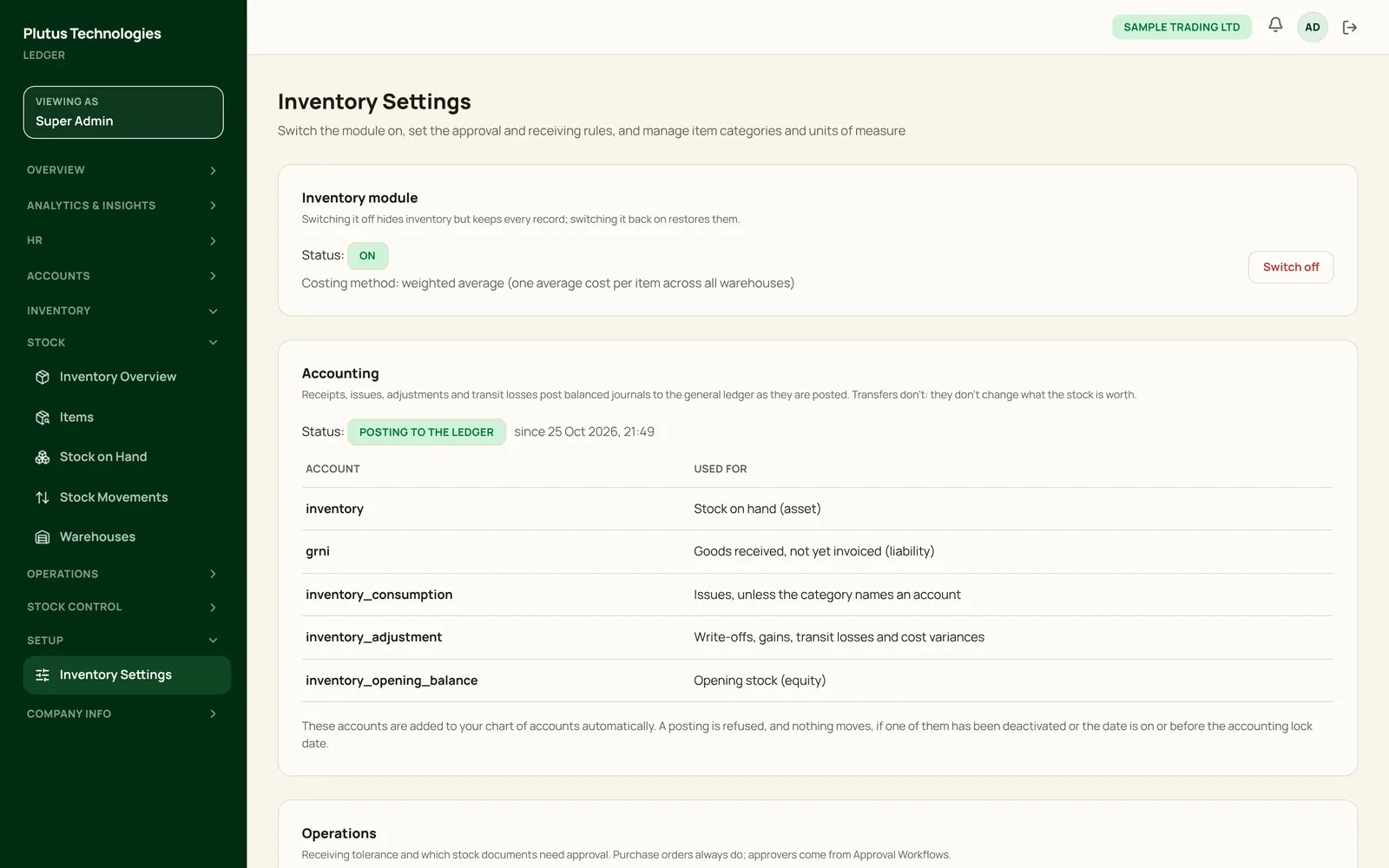
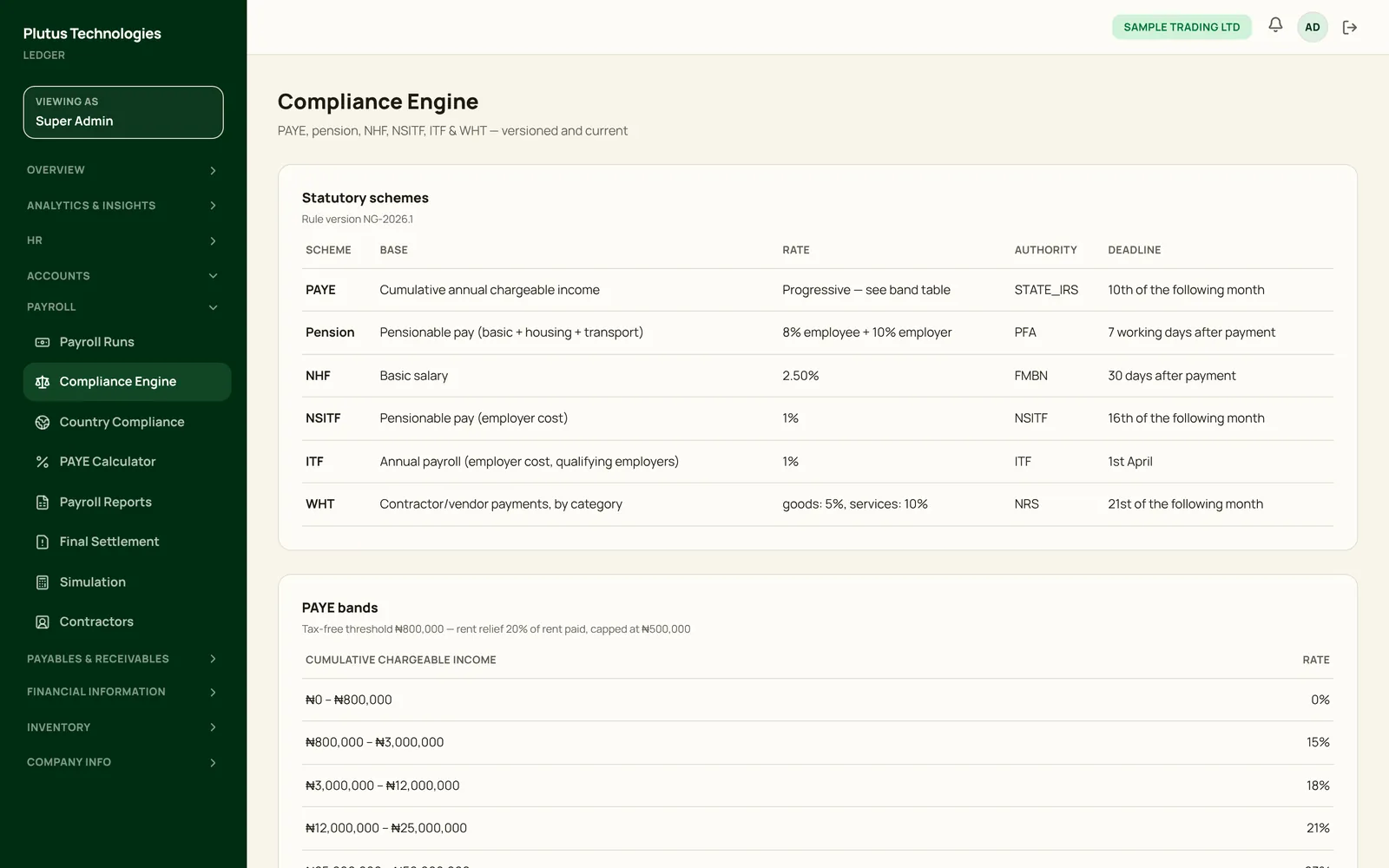
Step-by-step guides with a screenshot of every screen they mention. Each step names the menu to open and the button to press, and screenshots outline that button in gold.
Guides
Getting started
Create a workspace, set up your company, add your team and find your way around.
Accounting
Accounts, invoices, bills, journals, bank reconciliation, statements and the lock date.
Inventory
Items and warehouses, purchase orders, receiving, issues, transfers, counts and reports.
Payroll
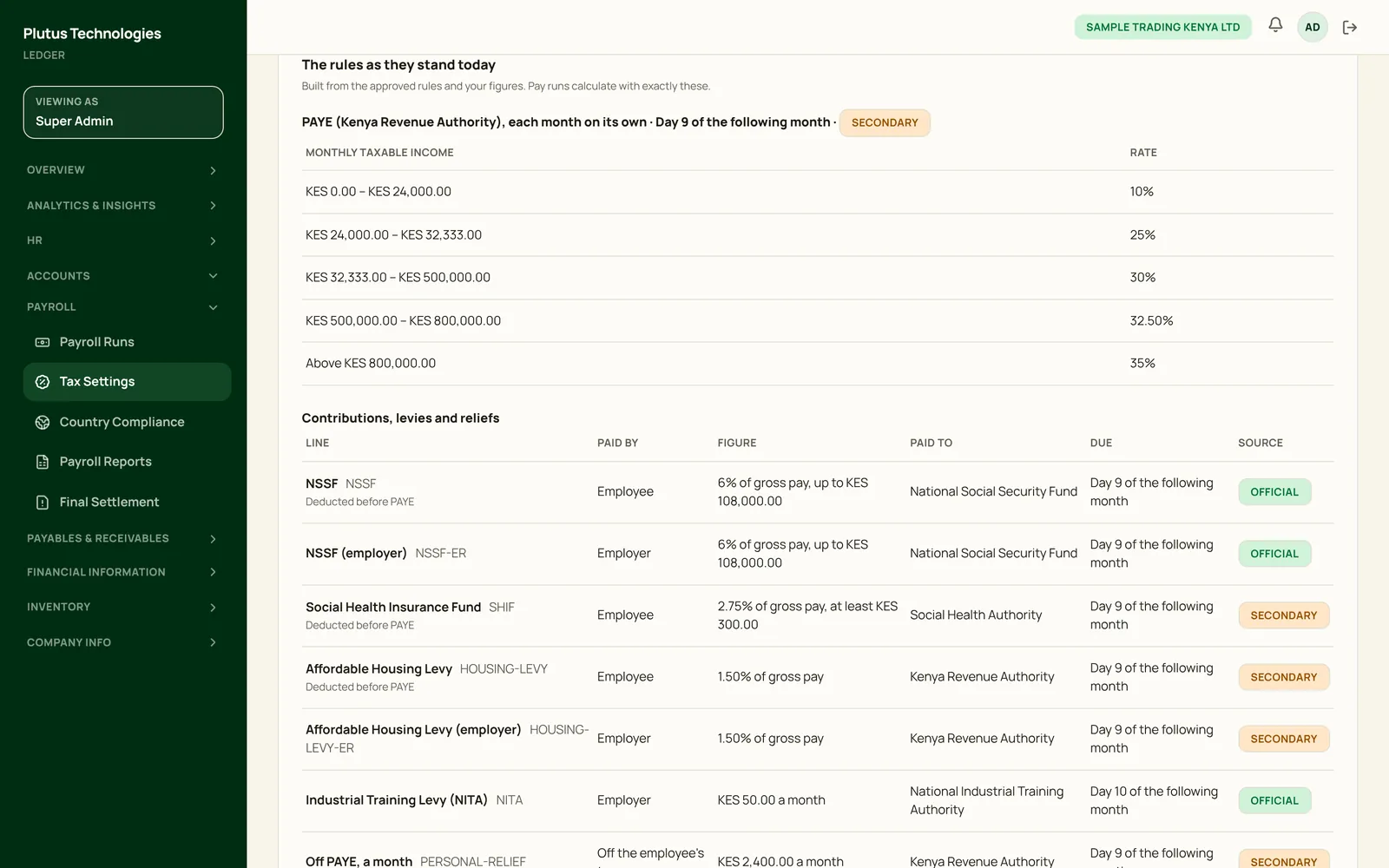
Statutory rules and Tax Settings, pay runs, payslips and how each figure is derived, reports and the calculator.
Country tax rules
Each country's payroll tax configuration: income tax bands, contributions and levies, Tax Settings and sources.
People & HR
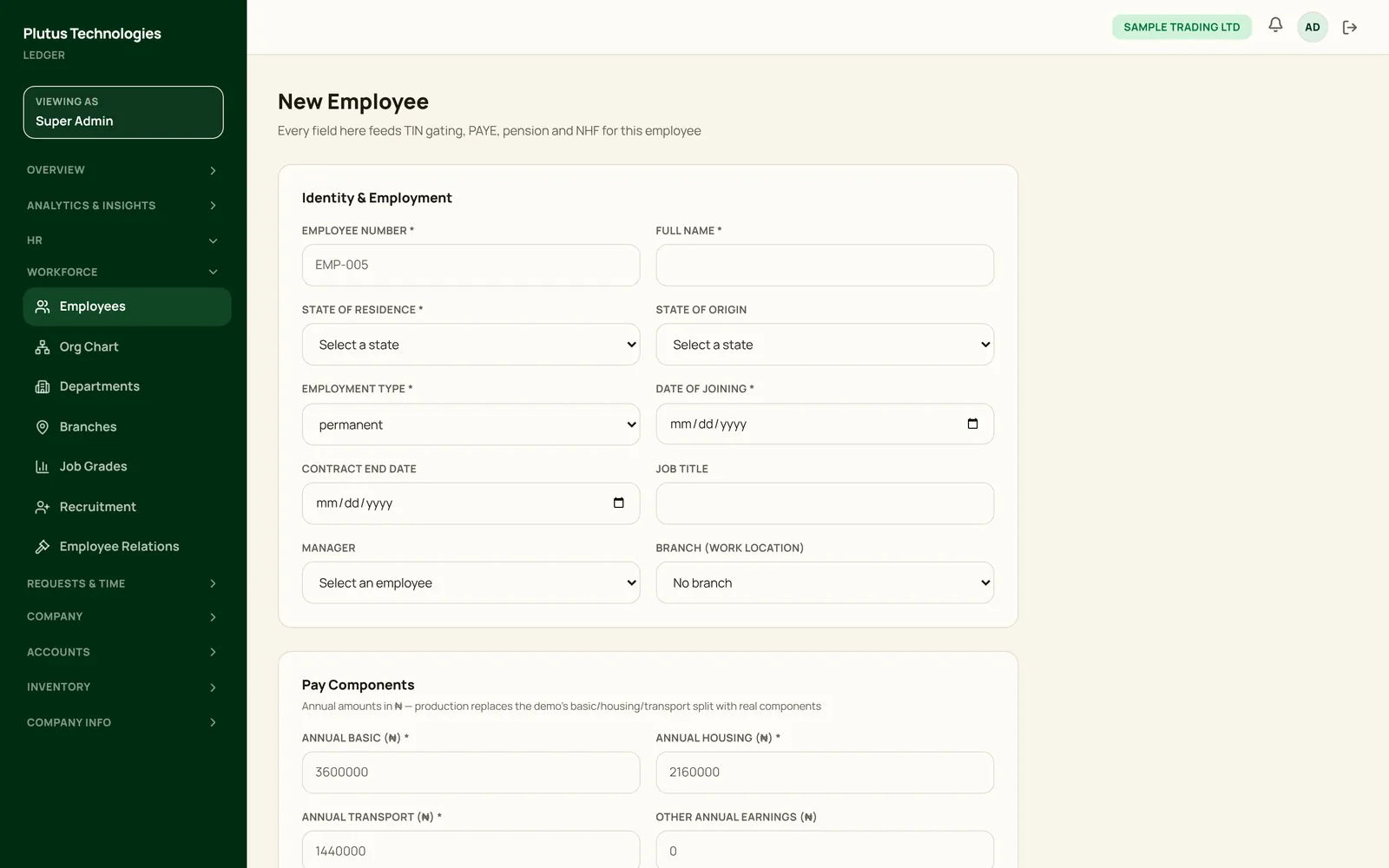
Employee records, self-service logins, departments, the org chart and leave.
Analytics & Insights
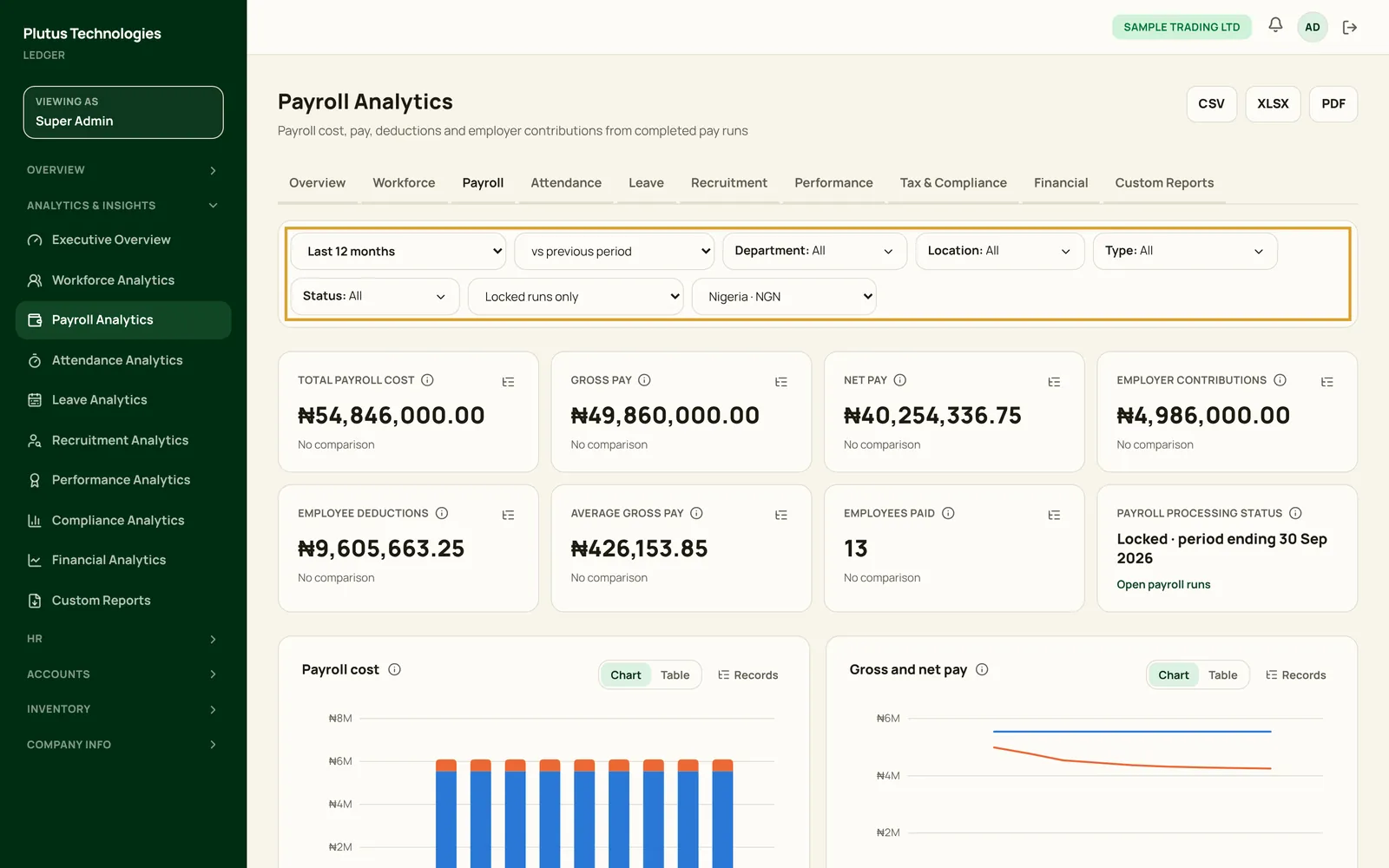
Ten dashboards, filters you can share, drill-down to the records, and exports.
Plutus Desktop
Install the offline edition on Windows, macOS or Linux, start it and update it.
About these guides
Sample company, real screens.
- The screenshots come from Plutus Cloud, set up for two fictional companies, Sample Trading Ltd in Nigeria and Sample Trading Kenya Ltd. Every name and figure in them is sample data.
- You only see the menus your role allows. Each guide says which roles can do what it describes.
- Plutus Desktop has the same screens, except Tax Settings: its current release (build 43) runs payroll for Nigeria only.
- Can't find what you need? Contact us and we'll walk you through it.